Converting MS-NH1-W10 into an Energy-Saving Server by Installing Debian 12
Mouse Computer’s first-generation stick PC, the “MS-NH1-W10," was an epoch-making device featuring a quad-core Intel Atom Z3735F, 2GB of main memory, and 32GB of eMMC inside an ultra-compact chassis that fits in the palm of your hand. However, Windows 10—bloated well beyond the device’s hardware specs—caused everyday browsing to stutter, resulting in processing speeds far too slow for 24/7 operation.
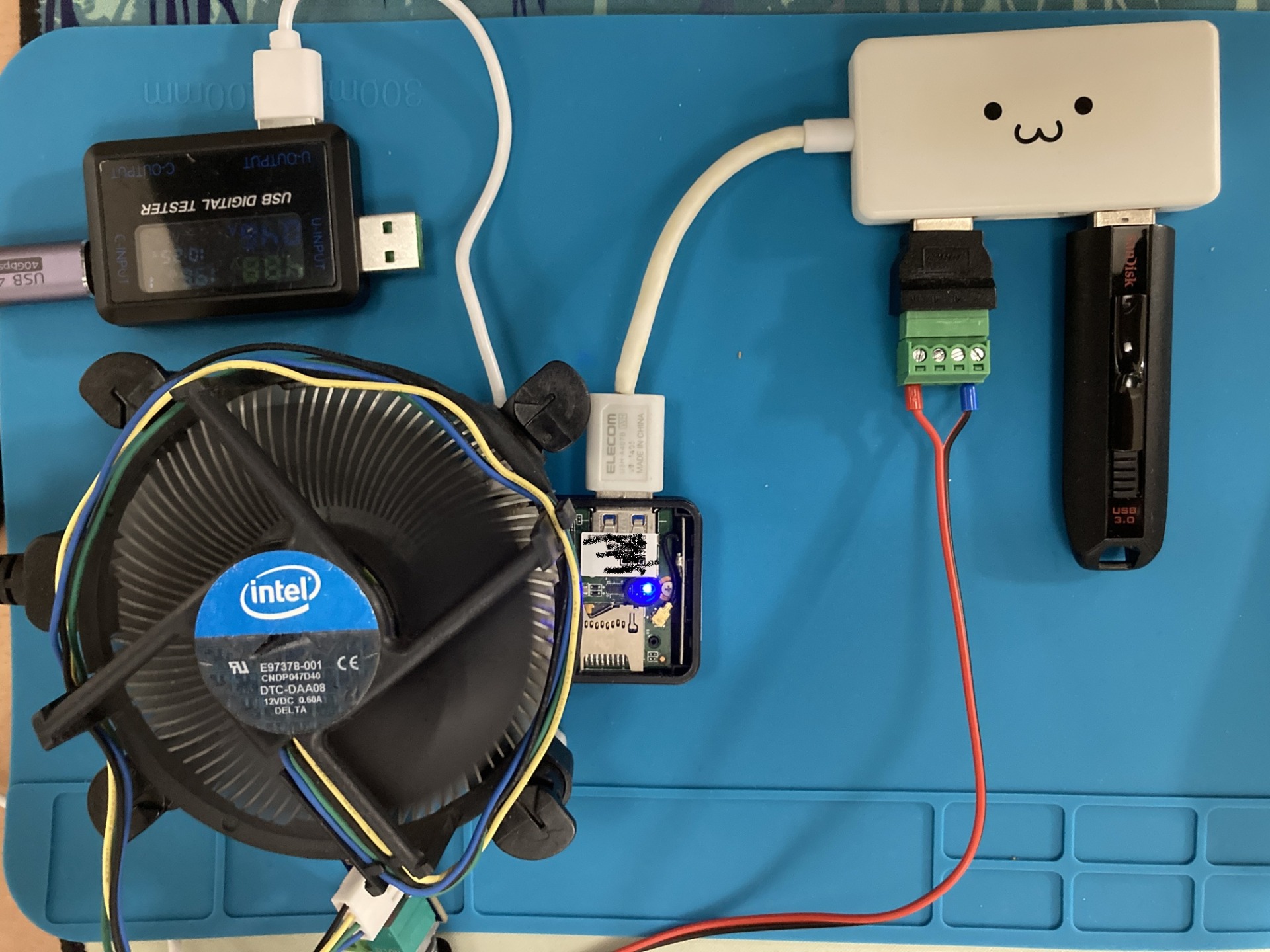
Furthermore, with the arrival of the official Windows 10 end-of-support date, security concerns forced a choice between updating the OS or discarding the device entirely. Yet, its physical characteristics—small, lightweight, and low power consumption—make it exceptionally well-suited as a home microserver. Before reaching the end of its hardware lifespan, I decided to breathe new life into it as a 24/7, energy-saving headless server by installing a lightweight Linux distribution that doesn’t waste extra resources.
Goals of This Project
The practical criteria for this revival project were to rely exclusively on the built-in features of the hardware itself, without adding any external devices such as USB hubs, wired LAN adapters, or USB Wi-Fi dongles.
With the display, keyboard, and mouse completely disconnected, the OS must boot automatically from the internal storage (eMMC) upon power-up. Furthermore, it must automatically join the local network via its built-in Wi-Fi and remain remotely manageable via a web browser.
Encountering 32-bit UEFI Corruption and Kernel 7.0 Issues with Ubuntu 26.04
Initially, I aimed for the latest long-term support release and attempted to install “Ubuntu 26.04 minimal," but I ran into multiple barriers caused by the unorthodox hardware design and specification changes in the latest kernel.
Bay Trail-generation devices, including the MS-NH1-W10, use an unconventional architecture known as Mixed-mode UEFI: “the CPU supports a 64-bit instruction set, but the motherboard’s UEFI firmware runs in 32-bit." Using a standard 64-bit installer fails to generate the 32-bit bootloader (bootia32.efi), causing GRUB writing to fail during the final stages of the installation and crashing the system.
Even more fatal was the behavior of the built-in Wi-Fi chip, the Realtek RTL8723BS (SDIO connection). In the Linux 7.0 series kernel adopted by Ubuntu 26.04, the internal structures of the network stack and packet buffers (skb) have been substantially modernized. However, the RTL8723BS driver had spent years languishing in the kernel’s “staging" tree and failed to keep pace with the latest packet processing logic.
As a result, the moment Wi-Fi communication was attempted, a packet coalescing error occurred.
rtl8723bs mmc0:0001:1 wlan0: xmit_xmitframes: coalesce failed with error -22
Because the driver transmitted out-of-spec, corrupted frames, the device fell into an infinite millisecond-level disconnection loop: ASSOCIATING -> 4WAY_HANDSHAKE -> DISCONNECTED. The heavy barrage of corrupted frames and connection requests saturated the home router’s communication daemon, escalating into a packet storm accident that caused the router itself to repeatedly crash and reboot.
Adopting Debian 12 for Stability via a Mature Kernel Generation
To resolve this hopeless friction between the latest kernel and legacy drivers, I fundamentally reconsidered the OS selection strategy and migrated to the stable release, “Debian 12 (Bookworm)."
Debian 12’s official amd64 installation media uses a Multi-Arch specification that bundles 32-bit UEFI boot files (bootia32.efi) by default. The installer automatically detects the motherboard’s firmware specifications, installing a highly efficient 64-bit OS while automatically configuring the 32-bit grub-efi-ia32 bootloader. This sets up a boot environment from internal storage without requiring any manual binary tinkering.
While there remains a possibility that it could run on Debian 13 (Trixie) with Kernel 6.12, acknowledging the risk that future upgrades would be required from a support expiration standpoint, I chose to completely eliminate router-dropping risks during verification and selected Debian 12 with Kernel 6.1 LTS to ensure stable operation.
In the installer menu, I selected the standard text mode (Install) to minimize rendering load and memory consumption. On the “Software Selection" screen near the end of the installation, I unchecked all desktop environments, opting only for standard utilities and an SSH server.
Following installation, because standard users are not granted sudo privileges due to Debian’s strict security specifications, I transitioned to the root environment from the console to grant these permissions, and set vim as the default editor to improve work efficiency.
# Switch to the root session
su -

# Install the sudo package and grant permissions to the regular user
apt update
apt install -y sudo vim
usermod -aG sudo username

# Switch the default editor to vim
update-alternatives --config editor
exit
Under the Kernel 6.1 LTS environment, the packet coalescing error (-22) experienced on Ubuntu did not occur at all, and the RTL8723BS built-in Wi-Fi completed the handshake with the router’s 2.4GHz band smoothly.
Installing Cockpit and Counteracting Thermal Runaway with lm-sensors
To operate the device without a display or input peripherals, I installed “Cockpit," which allows centralized system management via a web browser. Cockpit only runs the moment a browser connects thanks to socket activation, so it doesn’t waste idle resident memory.
# Install Cockpit and enable the socket
sudo apt update
sudo apt install -y cockpit
sudo systemctl enable --now cockpit.socket
Additionally, the MS-NH1-W10 features an extremely small fanless/ultra-compact fan structure with limited heat dissipation capacity. To monitor thermal throttling and thermal runaway, I installed lm-sensors (a hardware sensor reading tool) along with cockpit-sensors (a Cockpit extension plugin) to visualize the CPU temperature.
# Install hardware sensor detection tools
sudo apt install -y lm-sensors
sudo sensors-detect --auto

# Install the sensor plugin for Cockpit
cd /tmp
curl -s https://api.github.com/repos/ocristopfer/cockpit-sensors/releases/latest

| grep "browser_download_url.deb"

| cut -d : -f 2,3

| tr -d "

| wget -qi -
sudo dpkg -i cockpit-sensors.deb
sudo apt-get install -f -y
# By accessing the following URL from a web browser, real-time CPU temperature gauges are integrated directly into the dashboard.
https://IP_address_of_stick_PC:9090
Achieving Standalone Boot from Internal Storage and Measured System Resources
I unplugged all peripheral devices and conducted a reboot test with only the power cable connected. I confirmed that Debian 12 booted autonomously without manual intervention from the 32-bit UEFI partition on the internal eMMC, and successfully connected to the network via built-in Wi-Fi within tens of seconds.
The measured system resource data collected via the browser’s Cockpit dashboard and console are as follows:
# free -h
              total        used        free      shared  buff/cache   available
Mem:           1.9Gi       391Mi       839Mi       976Ki       825Mi       1.5Gi
Swap:          975Mi          0B       975Mi

# df -h /
Filesystem      Size  Used Avail Use% Mounted on
/dev/mmcblk2p2   27G  2.1G   24G   9% /</pre>
# sensors
soc_dts1-virtual-0
Adapter: Virtual device
temp1:        +41.0°C

coretemp-isa-0000
Adapter: ISA adapter
Core 0:       +41.0°C  (high = +90.0°C, crit = +90.0°C)
Core 1:       +41.0°C  (high = +90.0°C, crit = +90.0°C)
Core 2:       +42.0°C  (high = +90.0°C, crit = +90.0°C)
<pre>
By completely eliminating the GUI environment, memory usage right after OS startup was kept to approximately 118MB, and storage usage to 1.8GB. Standby CPU temperatures remained extremely stable around 46–47°C, establishing a reliable 24/7 operating environment that stays well clear of thermal danger zones even under fanless operation.

 https://www.amazon.co.jp/shop/nando0c/list/3C957ZWMB726Z?ref...
Conclusion
I successfully revived a sluggish, end-of-support first-generation stick PC (MS-NH1-W10) into an energy-saving Linux server. While Ubuntu 26.04 suffered from self-inflicted Wi-Fi driver crashes caused by 32-bit UEFI and the Linux 7.0 series kernel, adopting Debian 12—which features Multi-Arch support and Kernel 6.1 LTS—fundamentally resolved these issues. We achieved fully automated booting using only built-in features and persistent Wi-Fi connectivity, realizing a stable, ultra-lightweight headless server with about 118MB of memory consumption, backed by temperature monitoring via Cockpit.