I Listed a 3D Model on DMM.make! Step-by-Step Guide from Opening a Shop to Registering Products [Experience Report]
Recently, I opened a shop named “Nando Kobo" on the “Marketplace," a platform where you can sell your own 3D models on DMM.make.
・Nando Kobo DMM.make
Creators Market > Nando Kobo
In this article, I will summarize the steps I actually went through during the process.
I hope this serves as a helpful reference for anyone thinking, “I made a model and I’d like to share it with people who might need it, just like me."
Creating a DMM.make Account
First, create a DMM.make account.
Since it links with your Google account, registration is easy if you already use Google.
Just select “Sign in with Google" on the member registration page, and you can immediately start using it as a DMM.make user.
Registering Seller Information
Once you have created your account, the next step is to register your “Seller Information."
In this step, you will input information such as the following:
-
Seller name (different from your shop name)
-
Postal code and address
-
Phone number
-
Bank account information (for receiving payouts)
Since this is subject to review, make sure to enter accurate information. After registration and a review by DMM, you will be able to apply for listing products.
Setting Up Your Shop
After registering your seller information, set up your own “Shop."
Items You Can Configure:
-
Shop name (I chose “Nando Kobo")
-
Shop description (e.g., Publishing models created through daily DIY and technical exploration)
-
Links to social media or external sites (URLs for blogs, YouTube, etc.)
-
Icon image and banner image (set original logos or designs that match your vibe)
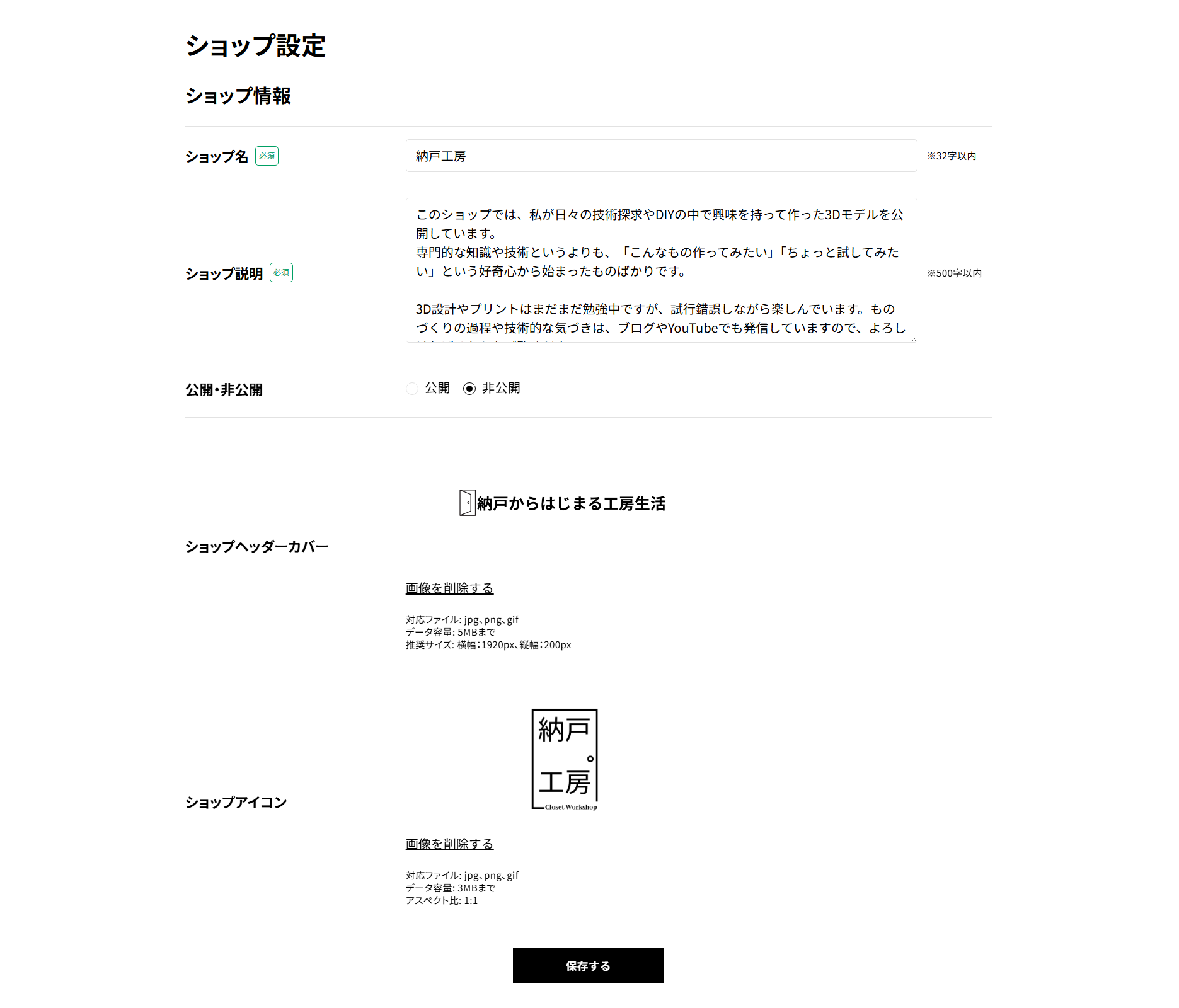
Since this is where you convey the overall concept of your shop, the key is to keep it consistent with the product descriptions mentioned later.
Uploading and Checking 3D Data
Now it’s time to upload your own 3D data.
The supported file formats include “STL," and you need to align the print orientation, scale, and other parameters with DMM’s 3D printing standards.
After uploading, an automatic data check is performed, and errors will be displayed if there are any issues.
Points to watch out for:
-
Size and wall thickness (if it’s too thin, printing becomes impossible)
-
Closed mesh (make it Watertight to avoid errors)
-
Presence of supports (rules vary by material on DMM)
Entering Product Descriptions and Applying for Listing
If there are no issues with the data, the next step is to set up the product page.
The main items to input are:
-
Product name
-
Product description (intended use, size, compatible parts information, etc.)
-
Category settings
-
Keywords (fill these out carefully for search engine optimization)
-
Thumbnail image (rendered images or photos of the actual item in use are recommended)
- Creator royalty earnings (this is important)
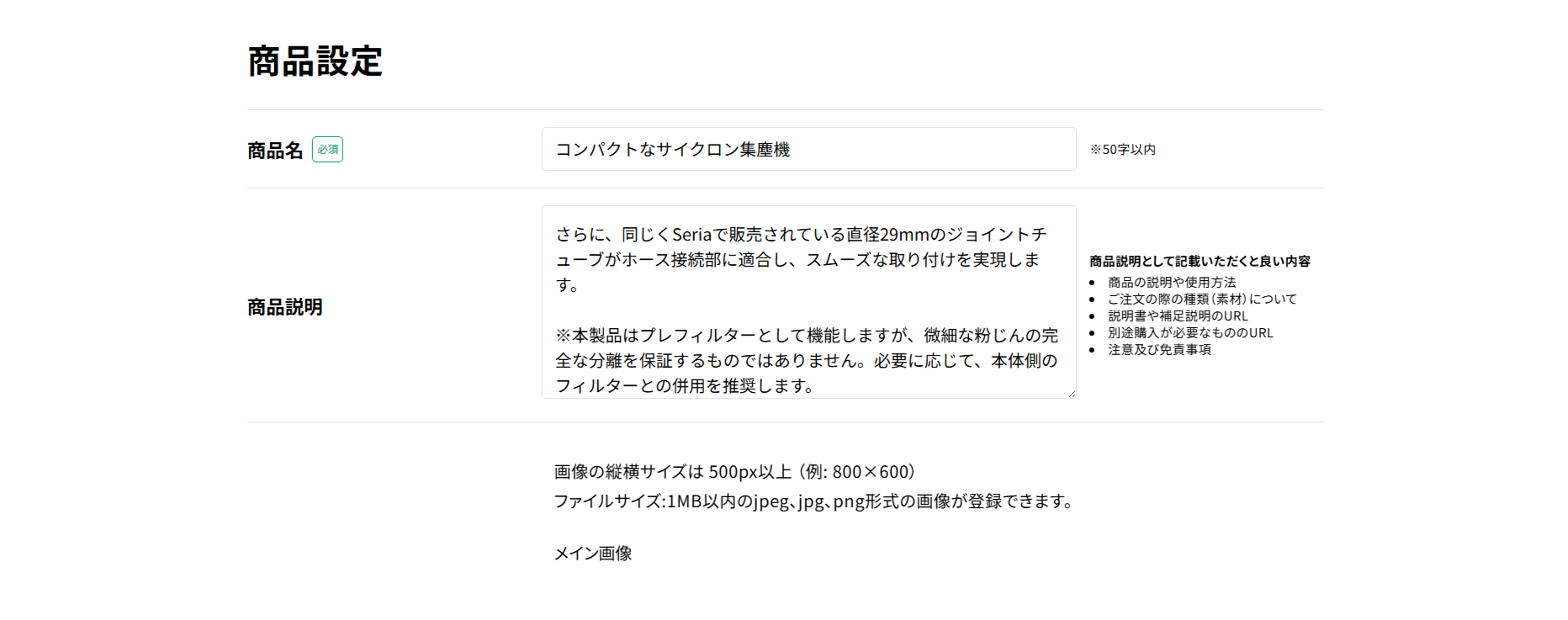
After filling everything out, submitting the “Listing Application" will trigger a review process by DMM.
Current Status: Under Listing Review!
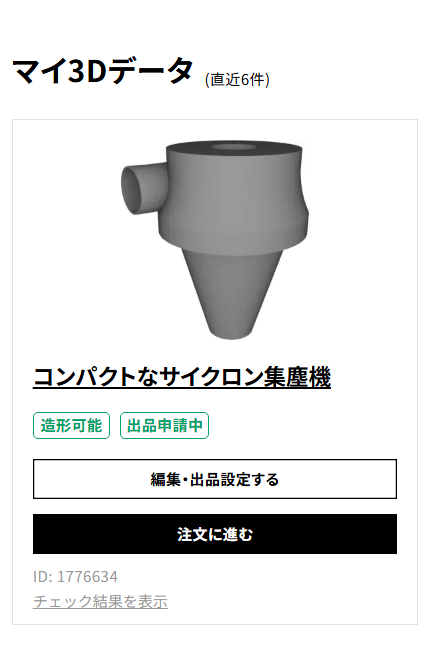
The first item I applied with was a “Compact Cyclone Dust Collector" aimed at woodworking DIYers.
It is a model designed to fit perfectly with PET containers and joint tubes available at Seria, making it easy to build a dust collection system.
[Video Released] I Made a Compact Cyclone Dust Collector!
It is currently under listing review, but as long as there are no particular issues, it is scheduled to be released soon.
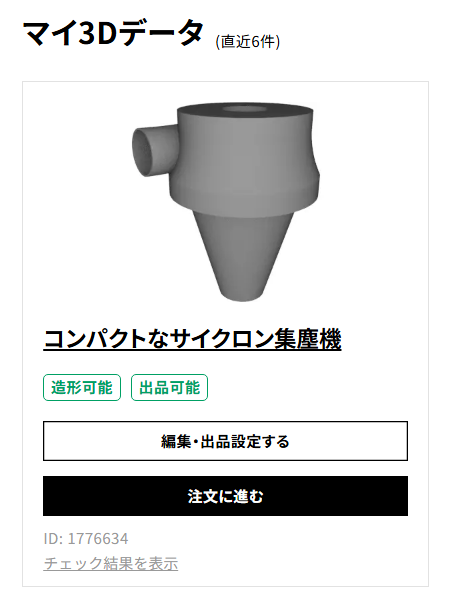
※ Added on 2025/7/6:
The application has been accepted. Once accepted, the status changes from “Listing Application in Progress" to “Ready to List."
Additionally, a listing setting option will be added under edit/listing settings, allowing you to add it to your shop.

Conclusion
Listing items on DMM.make was smoother than I expected.
While designing takes some effort, having a system in place where you can “bring your ideas to life and deliver them to someone who needs them" is extremely appealing.
Going forward, I plan to gradually release experimental models and useful parts through Nando Kobo.
I also share behind-the-scenes stories of crafting and design ingenuity through the links below, so please feel free to take a look if you’re interested!