[Resolved Case] Detecting a Defective st7789 Display Purchased on AliExpress! Verification Report on Defective vs. Working Units
This time, I purchased two types of displays for just under 500 yen each on AliExpress.
-
One has no CS pin and a resolution of 240×240 (Defective unit)
-
The other has no backlight pin and a resolution of 240×320 (Working unit)
I attempted to display images using a Raspberry Pi Pico (compatible board) and the st7789_mpy library. For the firmware, I used the one provided for the Raspberry Pi Pico by st7789_mpy.
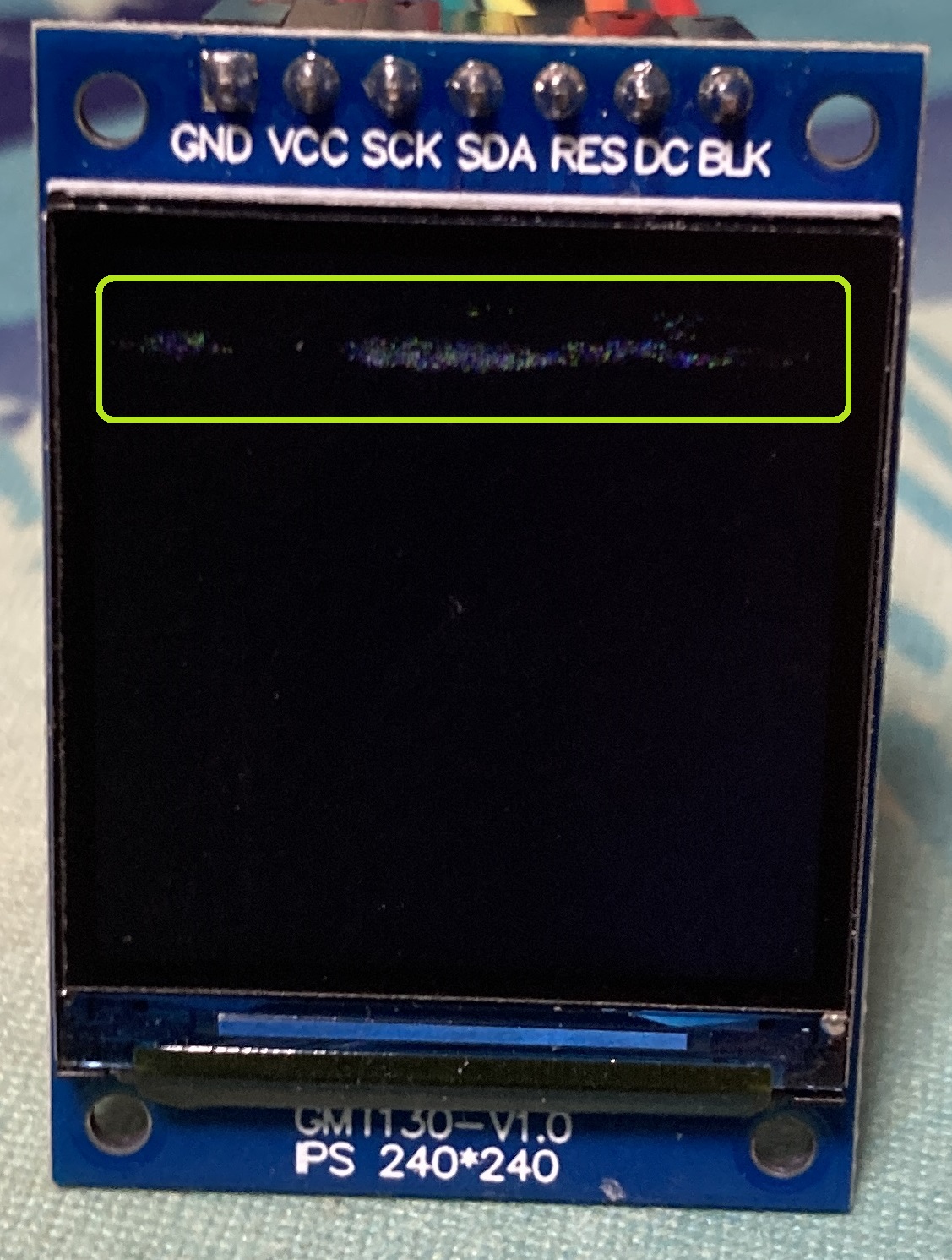
I went through a long process of trial and error with the defective display. However, I eventually noticed that the screen was flickering slightly. I also realized that what I thought was a smudge was actually dot artifacts caused by a malfunction. Since the working display showed images without any issues, I was able to conclude that the root cause was a hardware failure in the display itself.
Troubleshooting Process
-
Initial Setup and Wiring Check
Using a Raspberry Pi Pico compatible board and the st7789_mpy library, I thoroughly reviewed the settings for each SPI pin (SCK, SDA, RES, DC). Since the defective display lacks a CS pin, I commented out the CS configuration line for testing.
-
Extended Trial and Error
Because the defective display showed no signs of life at all, I repeatedly checked the code and connections. However, at one point, I noticed the screen was flickering slightly, which tipped me off to the possibility of a hardware defect. Upon closer inspection, I saw that what looked like dirt was actually defective pixels, leading me to conclude that the display unit itself was faulty.
*Dot noise can be seen inside the green box (not dirt)

-
Verification with the Working Display
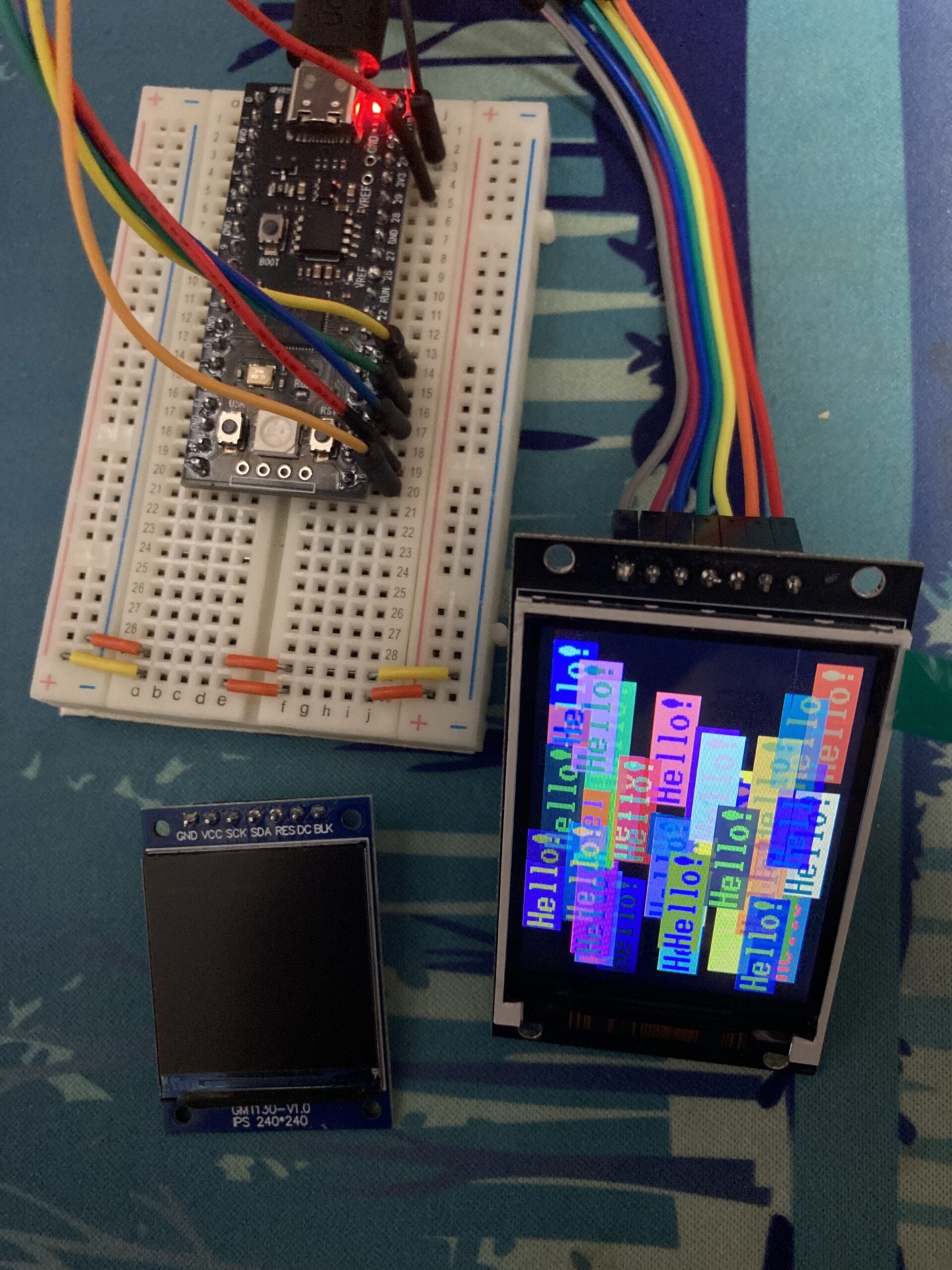
The working display features a CS pin instead of a backlight pin. I swapped the backlight and CS pin configurations, updated the display size from 240×240 to 240×320, and used the exact same settings and code otherwise. Testing with the working display yielded normal operation. This confirmed that there were no issues with the software configuration or wiring, and that the original display was indeed broken.
Firmware Flashing and Development Environment
-
Firmware Flashing
To use st7789_mpy, I flashed the provided firmware.uf2 onto the Raspberry Pi Pico using Thonny. -
Development Environment
I used Thonny to write and upload the MicroPython code and verify the display operation.
Final Code Example
Based on the st7789_mpy sample code, I verified operation using the following code.
tft_config.py
main.py
This code is based on the st7789_mpy sample code and achieves display initialization, screen clearing, and center text rendering.
- Displaying st7789 on a Raspberry Pi Pico clone
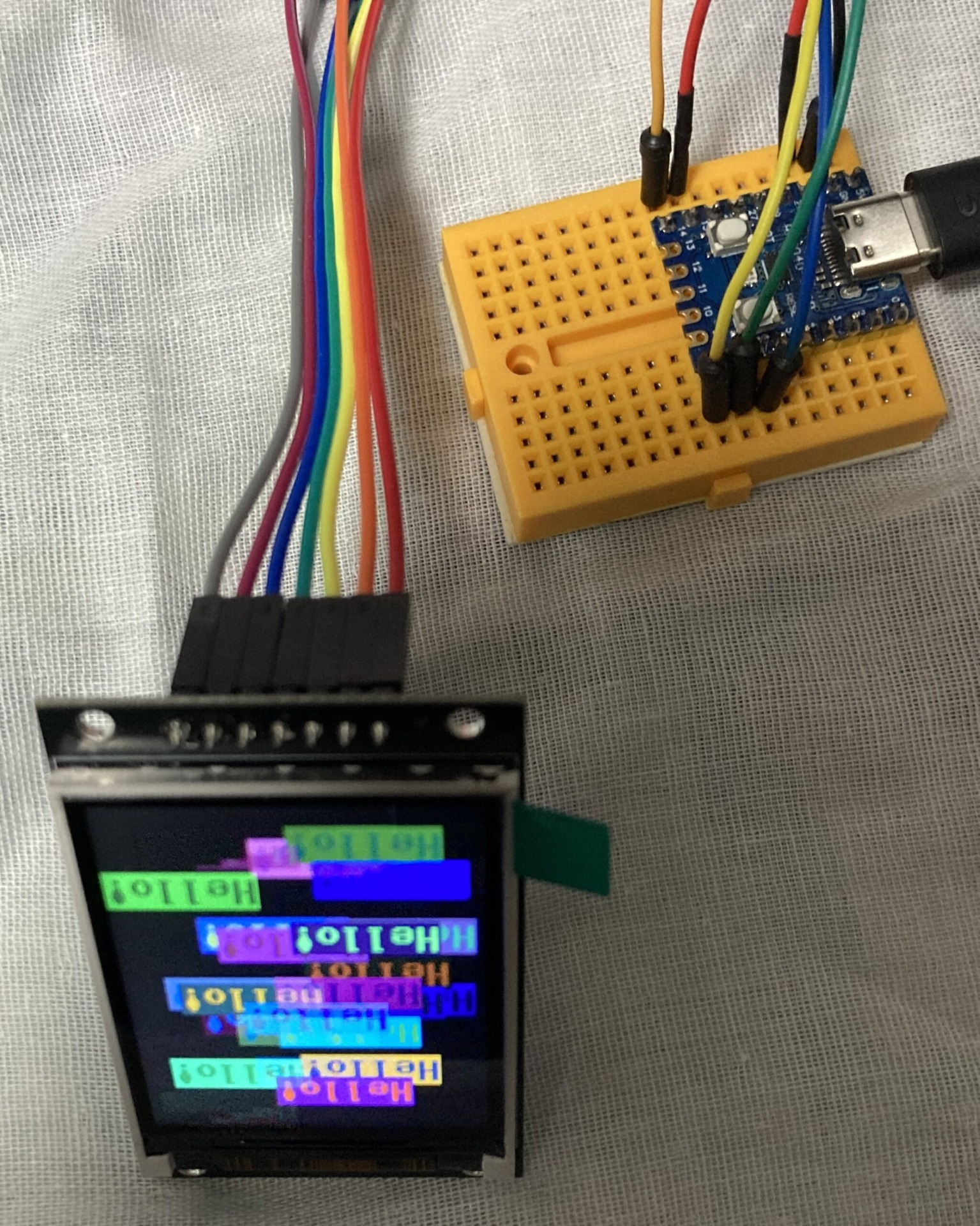
- Displaying st7789 on an RP2040-Zero clone

Conclusion
Through this verification, it became clear that the issue with the defective display was a hardware defect in the unit itself. While displays can be purchased very cheaply on AliExpress, quality can vary between individual units. If you encounter similar issues in your own projects, it is a good idea to suspect hardware failure.
Having confirmed that everything works properly with a working display, I can now proceed with my projects with peace of mind.
I hope this serves as a helpful reference for your developments. If you have any questions or feedback, please feel free to leave a comment.